Release-window systems guide

Build a RIG that
actually makes sense.

Movement, raid flow, weapons, Volatile Mods, permanent parts and build logic — organized around the questions that keep showing up in real RIG Riot runs.
Steam AppID 3180340Demo v81Release-build parity checked
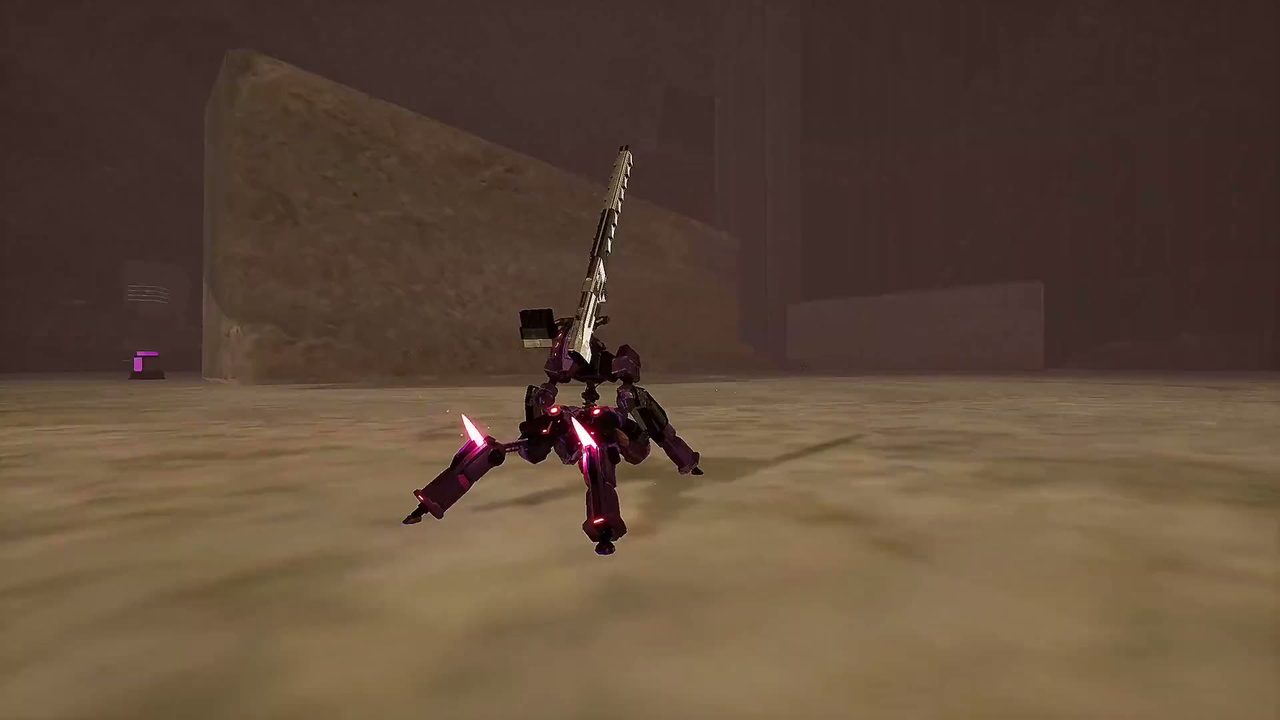
Official RIG Riot trailer frame: a purple-legs RIG holding a tall blade weapon in a foggy sand arena.
Official trailer frame: a quad-leg RIG holding a tall blade in a sand arena.
STUCK MOVING?Boost, dash & wall jumpLOST IN A RAID?Objective flow & extractionUPGRADE CONFUSION?Volatile Mod triggersGARAGE OVERLOAD?Read RIG stats by job
Real game look

Official screenshots across combat, garage and raid flow

These screenshots are from the official game presence and are used here to ground the guide in actual RIG Riot visuals rather than filler graphics.
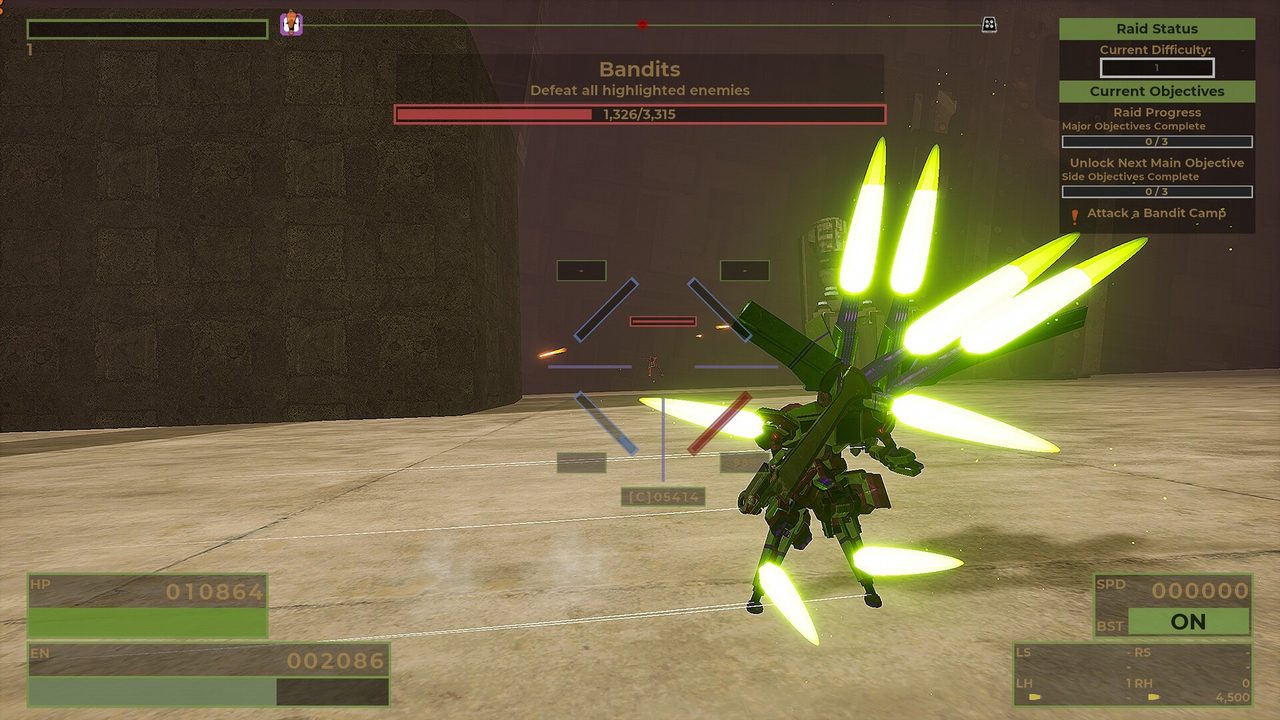
Official RIG Riot screenshot: a green RIG firing in a concrete raid arena while the Bandits objective tracker, raid status and health bars are on screen.
Official Steam screenshot: a Bandits raid objective in progress, with raid status and objective tracking on screen.
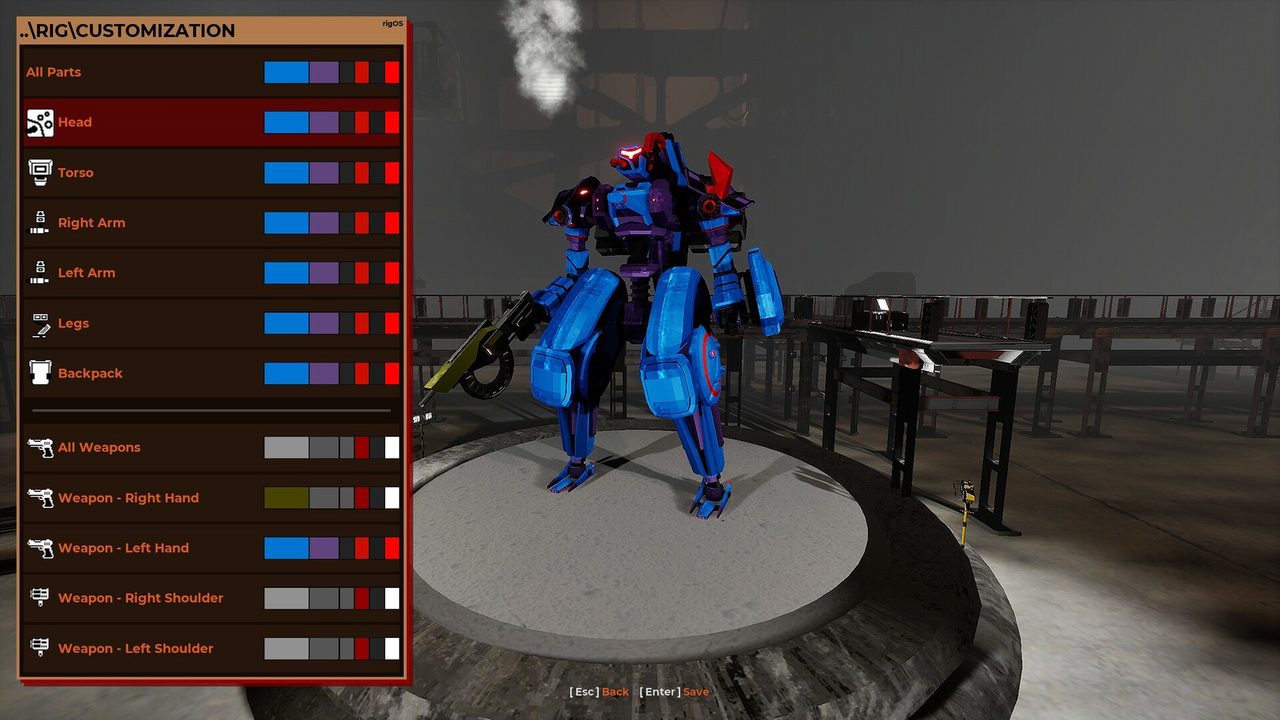
Official RIG Riot screenshot of the RIG customization screen: a blue and purple mech on a circular platform beside Head, Torso, Arm, Legs, Backpack and Weapon slots.
Official Steam screenshot: the RIG customization screen with part categories and weapon slots.
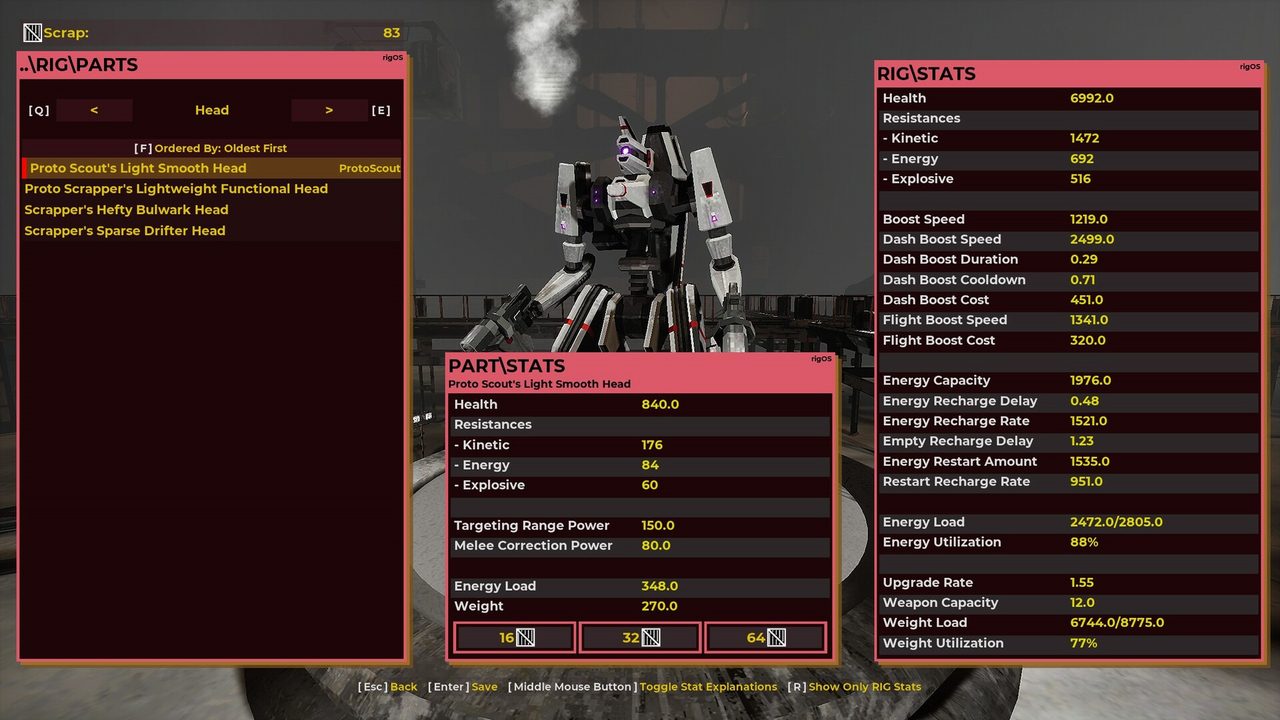
Official RIG Riot screenshot of the garage part screen: a white and black RIG beside health, resistances, boost, energy capacity and weight load values.
Official Steam screenshot: the part stat screen, including health, resistances, boost, energy capacity and weight load.
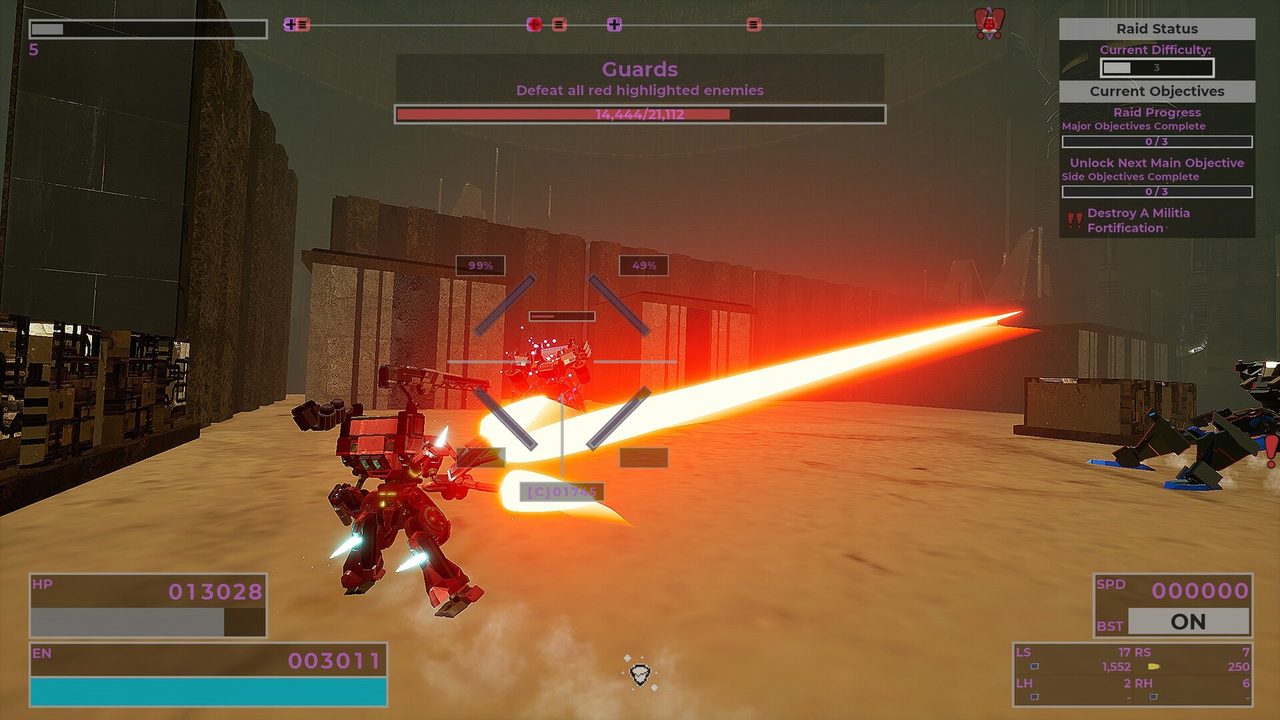
Official RIG Riot screenshot: a red RIG firing a large beam weapon at Guards in a dusty outpost with stone structures and crates.
Official Steam screenshot: beam weapon pressure during a Guards objective in a desert outpost.
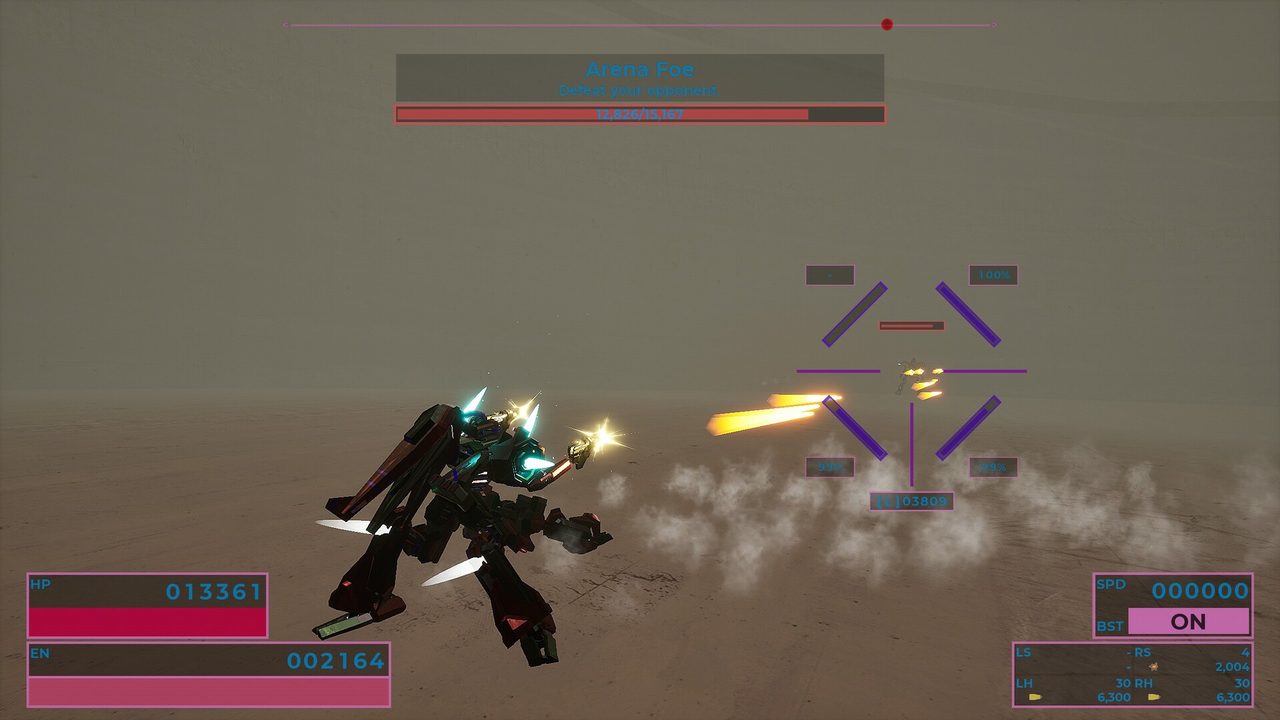
Official RIG Riot screenshot: a dark red RIG exchanging fire with an arena opponent in a barren arena, with both health bars visible.
Official Steam screenshot: a single-opponent arena duel with player and enemy health bars on screen.
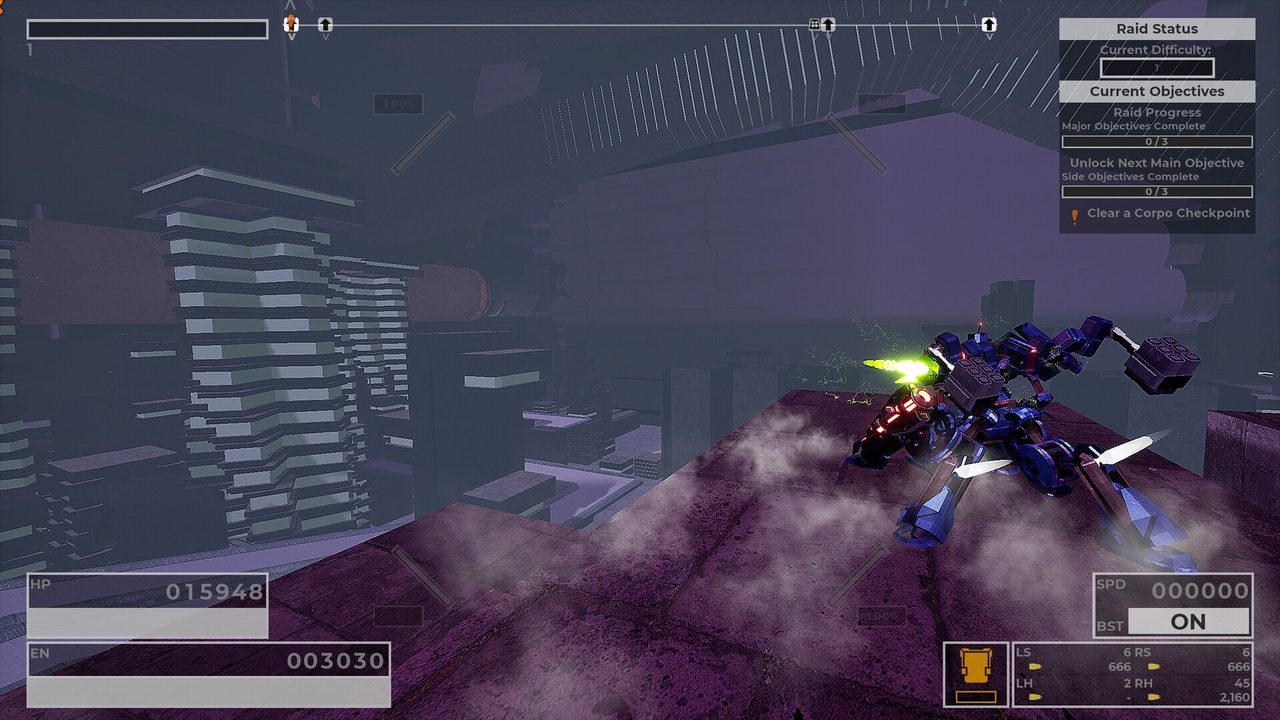
Official RIG Riot screenshot: a blue and purple RIG standing on a raised platform among stacked industrial blocks and pipes.
Official Steam screenshot: elevation and stacked industrial geometry during a Corpo checkpoint objective.
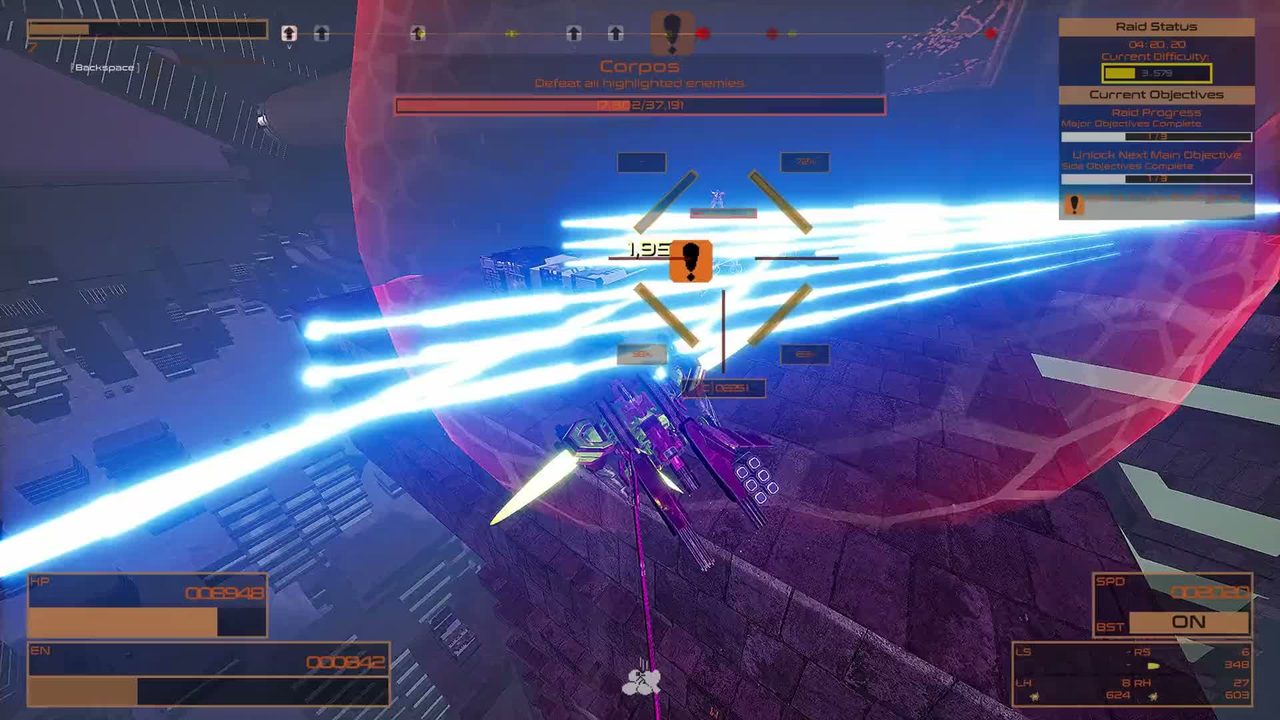
Official RIG Riot trailer frame: a purple RIG firing energy beams in a city district, with Corpos objectives listed on screen.
Official trailer frame: a Corpos objective in a dense city district.
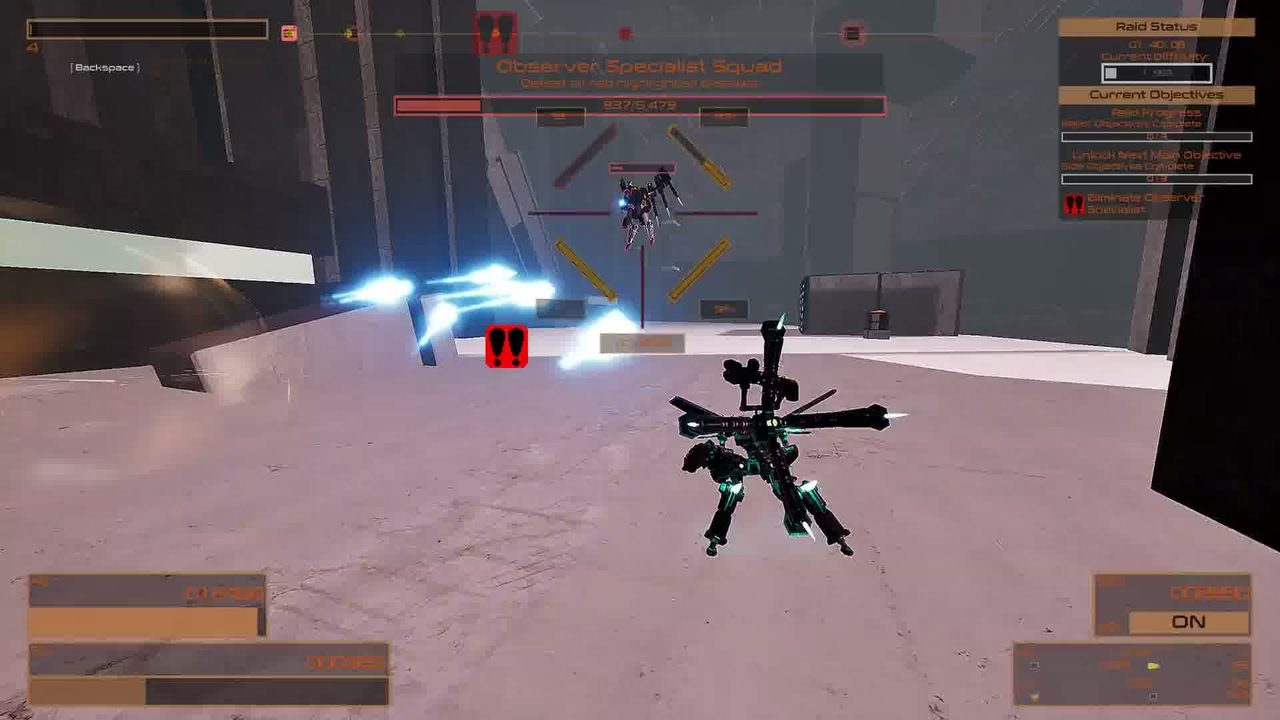
Official RIG Riot trailer frame: a green RIG facing an enemy unit in a concrete arena while projectiles cross the scene.
Official trailer frame: squad-level enemy pressure inside a concrete arena.
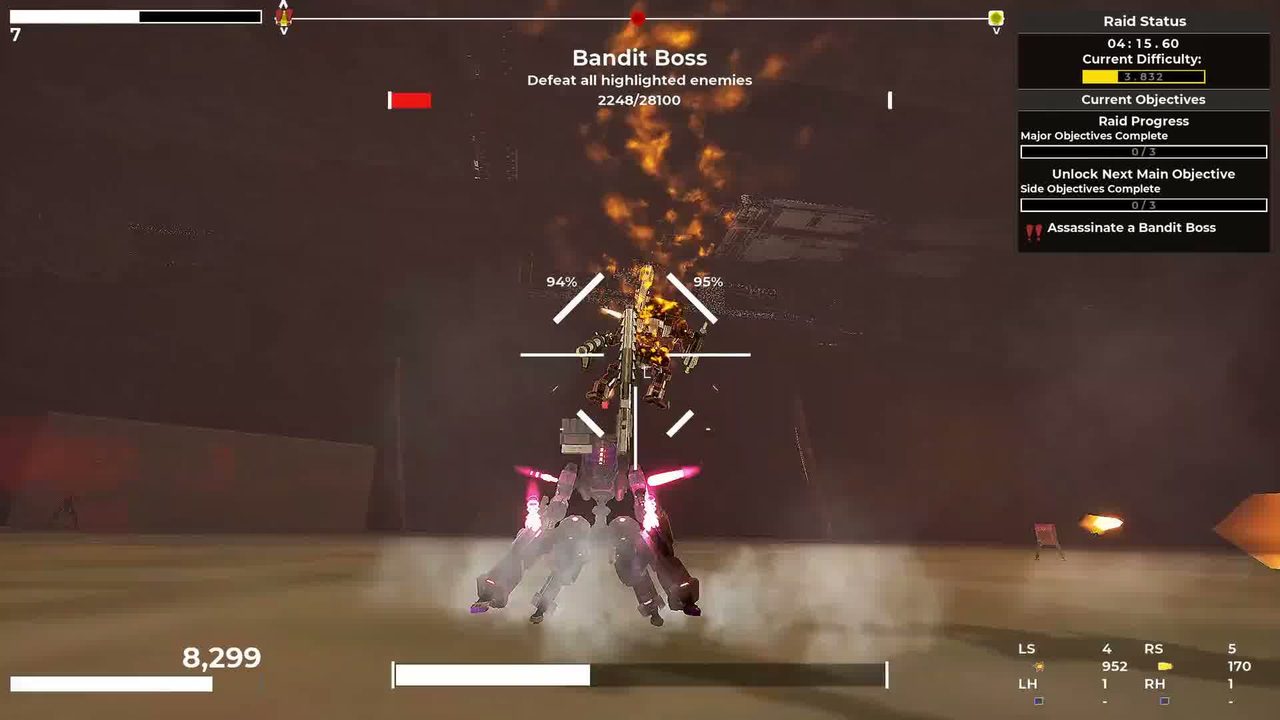
Official RIG Riot trailer frame: a grey RIG with glowing pink thrusters firing a cannon at a burning enemy in a dark arena.
Official trailer frame: cannon pressure on a bandit boss encounter.
Pick the problem

Guides built around player tasks

No one-page-per-item bloat. Each page covers a full decision players actually need to make.

Start here

Beginner Guide

A first-run route for RIG Riot: learn movement, choose upgrades that work with your current kit, survive objectives, and bring useful progression home.

Open guide →
Movement

Controls & Movement

Understand RIG Riot boosters, dash boost, flight boost, turbo boost, wall jumps, energy recovery and vertical navigation.

Open guide →
Raid flow

Raid Objectives & Extraction

A clear RIG Riot raid flow: secondary objectives, major encounters, objective markers, loot choices and when extraction matters.

Open guide →
Progression

Scrap & Progression

Separate temporary raid power from permanent RIG progress, and use Scrap without confusing run upgrades with long-term customization.

Open guide →
Combat system

Weapons & Loadouts

Choose RIG Riot weapons by role, understand slot-specific upgrade choices, and avoid loadouts that fight against your movement and mod plan.

Open guide →
Run upgrades

Volatile Mods

Understand RIG Riot Volatile Mod slots, repeated upgrades, trigger conditions and a simple synergy decision tree for live runs.

Open guide →
Garage

Parts & RIG Stats

A practical way to read RIG Riot part stats: health, resistances, energy, load, movement and weapon capacity without chasing every green number.

Open guide →
Builds

Builds

Choose a RIG Riot build direction using starter archetypes, weapon roles, movement style and survivability instead of a premature tier list.

Open guide →
Mobility base

Leg Types

Use RIG Riot leg types as a movement foundation. Compare the observed Biped/Quad tradeoffs without treating random part values as universal facts.

Open guide →
Signature tool

Plan the build before the parts

Four choices turn into one coherent build direction. It uses verified archetypes and current-demo observations, with caveats where live data is still incomplete.

What this does: recommends a direction, not exact best-in-slot parts. Full-game drop tables and live balance are still being verified.

Launch-window verification policy

The September 8 official demo patch moved the demo onto the same game version as the release build. Some progression-gated content is still rearranged or inaccessible in the demo, so boss rosters, stage maps, secrets, drop rates and absolute tier lists remain on hold until the full game can be checked.