
Controls & Movement:
Boost, Dash, Wall Jump and Energy
Understand RIG Riot boosters, dash boost, flight boost, turbo boost, wall jumps, energy recovery and vertical navigation.
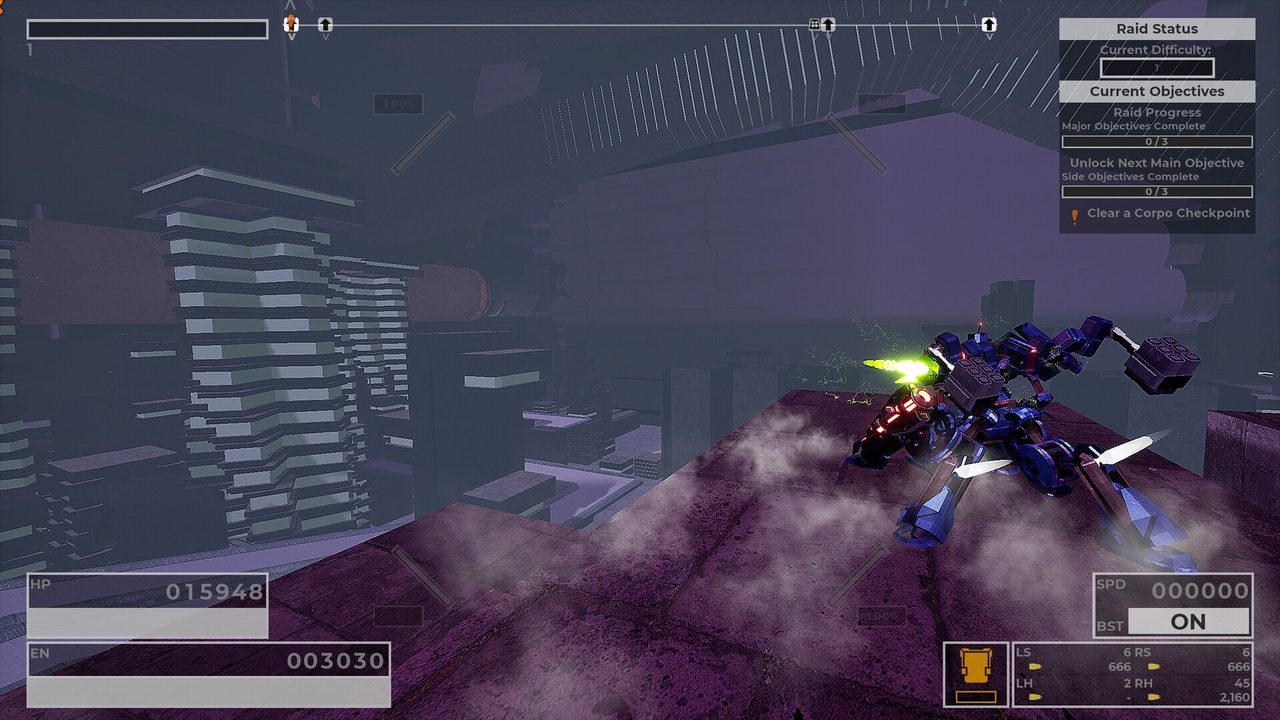
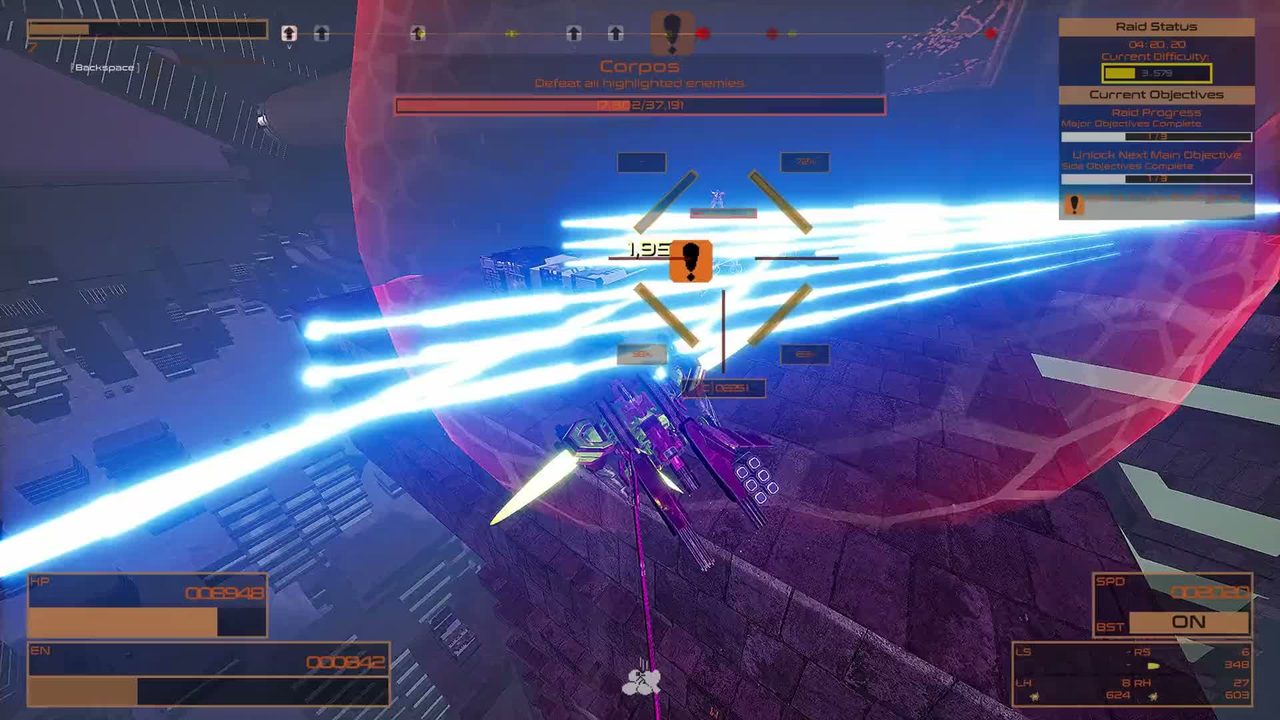
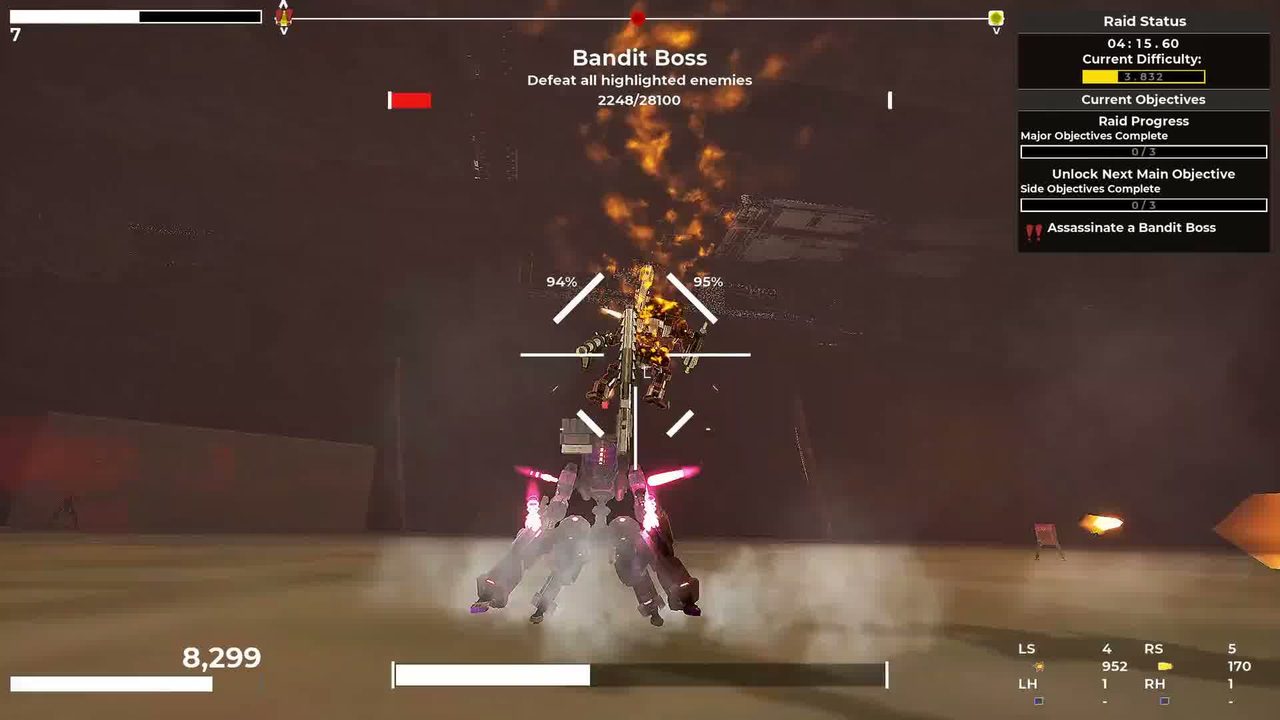
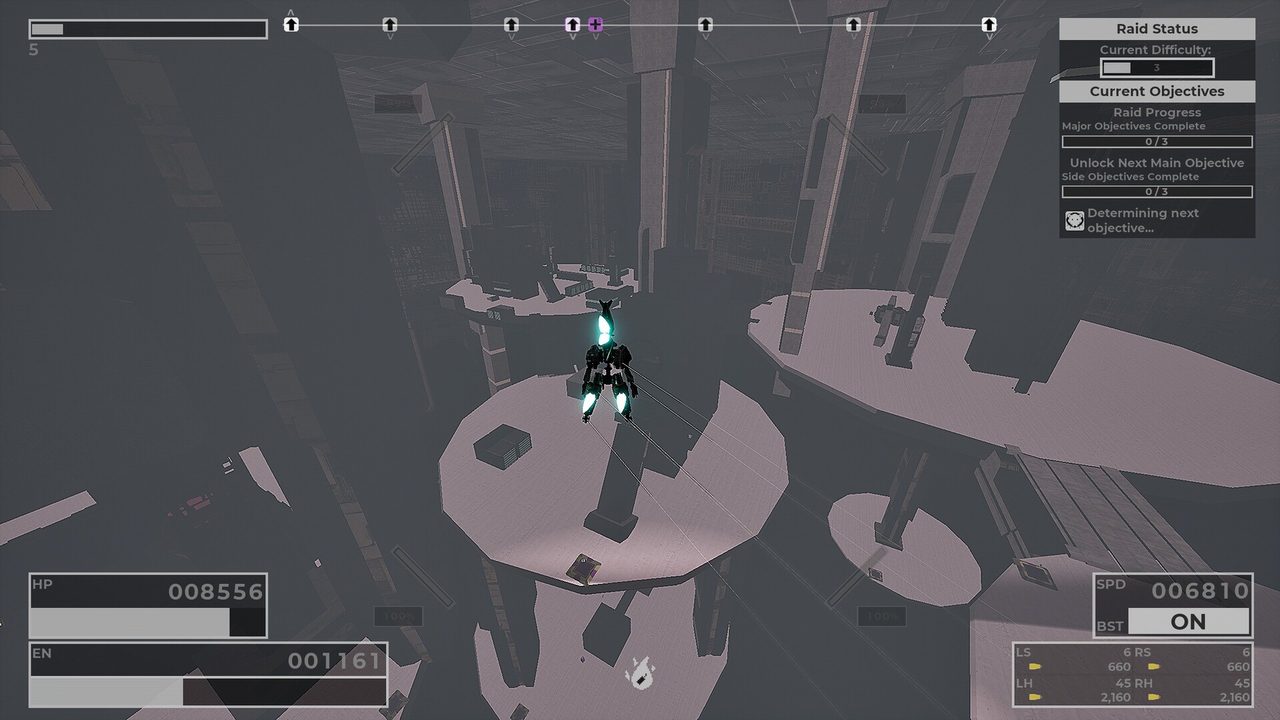
The movement system in plain English
| Tool | Job | Use it when | Common mistake |
|---|---|---|---|
| Boosters | Fast horizontal movement | Traversing or keeping a moving baseline | Treating them as the same thing as dash energy |
| Dash boost | Short evasive burst | Breaking attack timing and nearby missile targeting | Spending every dash before the dangerous volley |
| Flight boost | Extend airtime | Crossing gaps or changing elevation | Hovering until energy recovery stalls |
| Turbo boost | Sustained repositioning / turn assistance | Long moves or reorienting a slower RIG | Using it where a short dash would be safer |
| Wall jump | Efficient height / direction change | Vertical routing and quick elevation | Ignoring nearby walls and burning flight energy instead |
How wall jumps and energy work together
The current tutorial says your first wall jump after touching the ground costs no energy. A wall jump without movement input favors height; adding movement input sends the RIG in that direction. That makes walls part of your route, not scenery.
Flight boost is different: hold the jump action in midair to extend flight. The tutorial also warns that energy recharge delay is longer in the air, so a clean route often alternates between an efficient wall jump, a short flight correction, and a landing that lets the energy loop reset.
Why your objective marker looks “right” but still leads nowhere
RIG Riot levels stack vertically. The September 11 official demo patch specifically fixed compass arrows that show whether something is above or below you. If the objective is apparently on top of your position, read that vertical cue before looking for a horizontal route.
- Check above/below.
- Look for a wall-jumpable shaft, jump pad, ramp or lower drop.
- Save flight boost for the last correction rather than brute-forcing the entire climb.
- If energy is low, touch down before committing to the next vertical move.
Do not memorize someone else’s keybind screenshot
The official itch page lists configurable controls, and the supplied videos use both keyboard/mouse and controller. This guide therefore names actions rather than pretending one device layout is universal. Use the in-game binding screen for your current profile, then learn what each action is for.