
Parts & RIG Stats:
Read the Garage Without Drowning in Numbers
A practical way to read RIG Riot part stats: health, resistances, energy, load, movement and weapon capacity without chasing every green number.
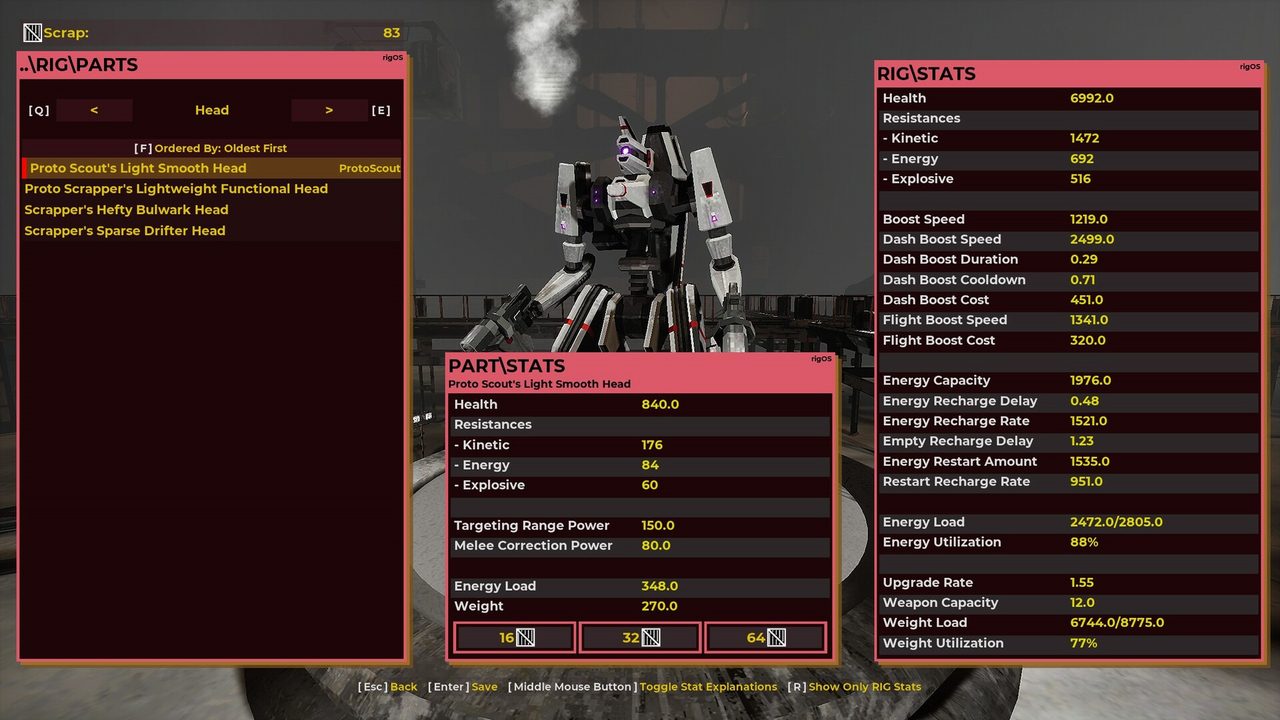
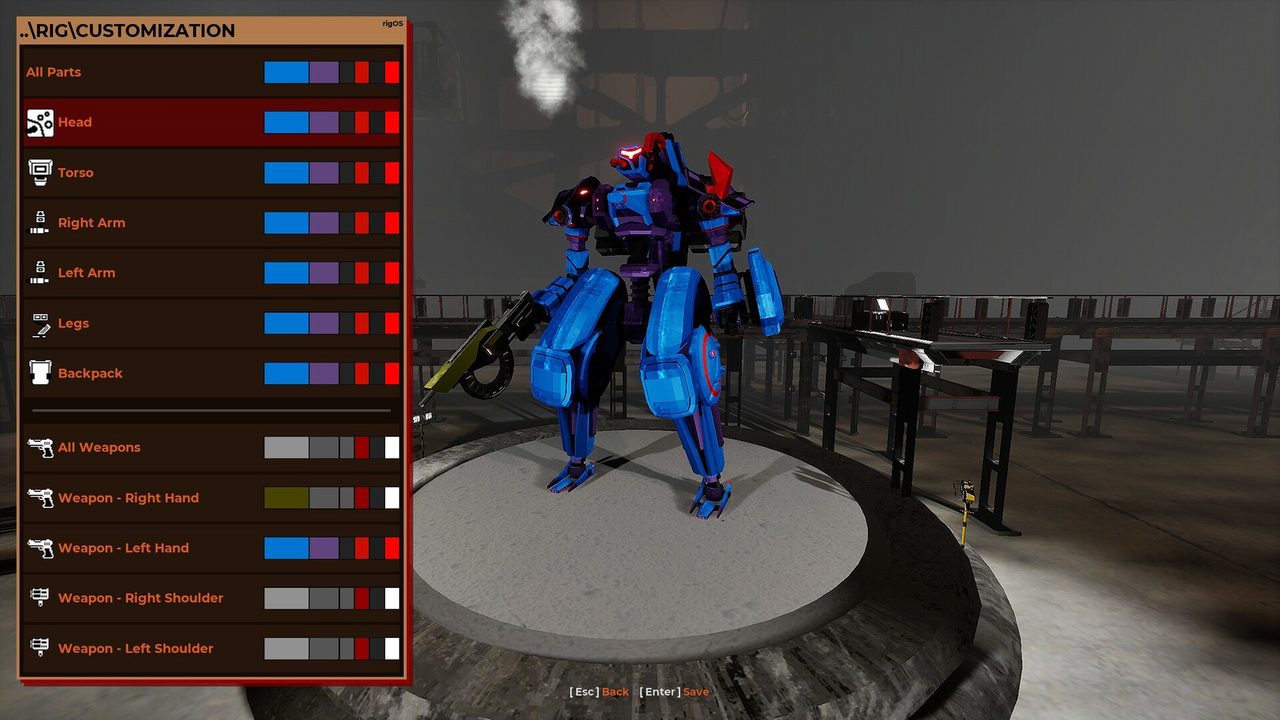


Read the garage in five stat buckets
The official Steam screenshot pool shows the garage comparing detailed RIG and part stats. Do not parse them one by one without context. Group them into five jobs.
Durability
Health and resistances. Buys time when your build must stay exposed.
Movement
Boost, dash, flight and turning behavior. Determines whether the RIG can execute its range plan.
Energy
Capacity, recharge and delay. The budget behind repeated movement and energy-hungry actions.
Load
Weight/load headroom. Determines which heavier combinations remain practical.
Weapon capacity
How much weapon package the RIG can support without breaking its broader stat plan.
Use a “must not break” stat
Every build has one stat family you cannot casually sacrifice. For an aerial range build that may be energy/mobility; for a close bruiser it may be durability plus the dash needed to connect; for a heavy ranged setup it may be load headroom.
Why exact part tables age badly
The Steam description says parts are built from combinations of components from full sets, creating a huge permanent-part pool. That makes a static “this named part always equals this perfect stat line” database risky unless the live compendium confirms a fixed item. This launch guide focuses on decision logic first.